Showing posts with label reviews. Show all posts

Wednesday, February 11, 2015

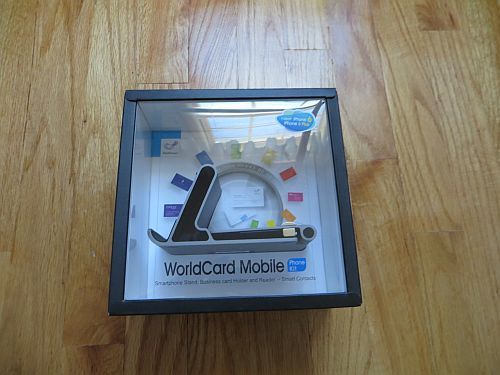
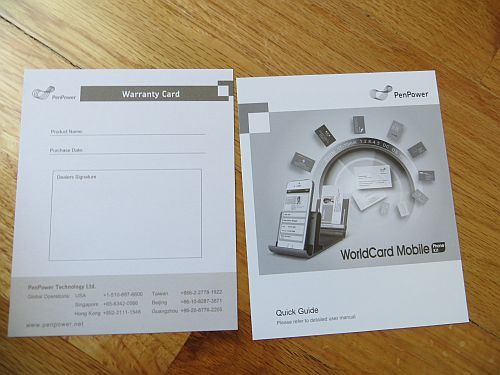
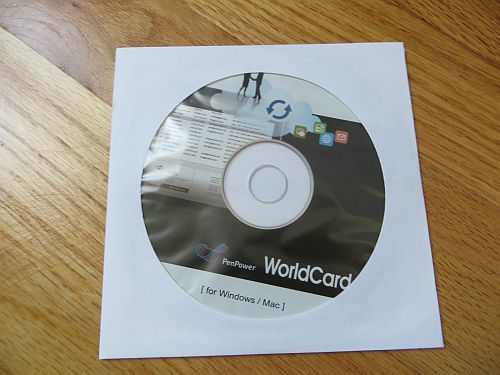
WorldCard Mobile Phone Kit Review


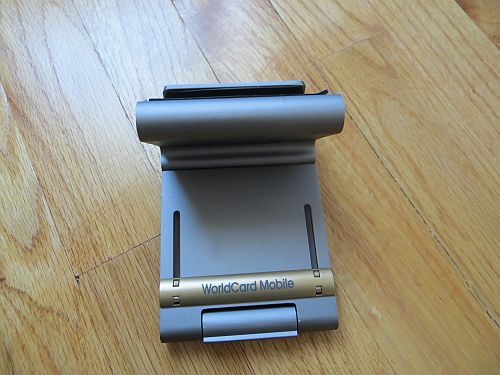
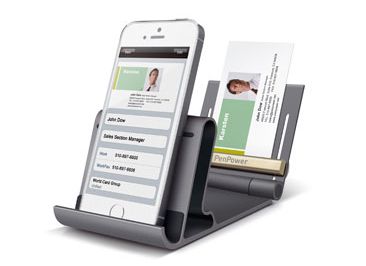
As a journalist, every time I review a new product I receive a business card from the company I am reviewing.  In the past I just threw away the business card or misplaced them.  Now a product will make it easy to save my important business contacts.  The WorldCard Mobile Phone Kit is a Smartphone stand and business card scanner all-in-one.

Features:

  • Capture business cards, recognizing contacts’ information automatically with the customized aluminum alloy phone stand
  • Synchronize contacts’ information via Gmail contacts, and store them in Dropbox and iCloud
  • Manage and access your contacts on all your devices, iPhone, Android Phone, PC, and Mac
  • Transfer data with Outlook, Salesforce, ACT!, and other software

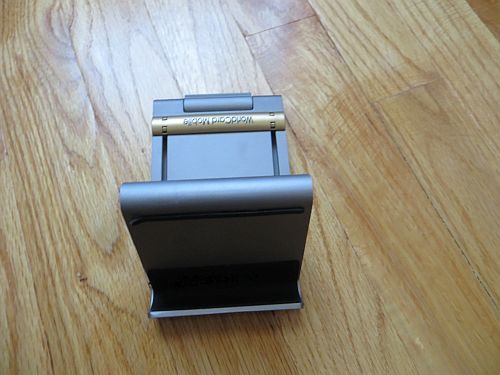
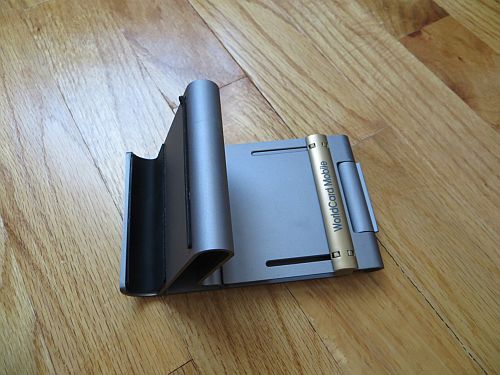
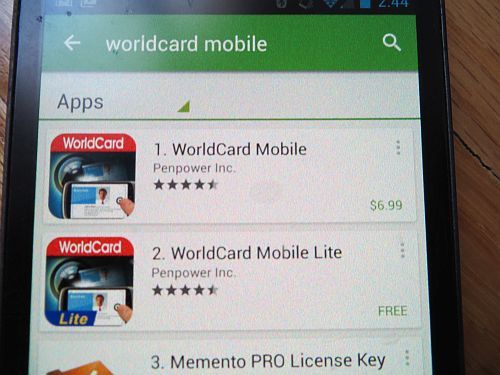
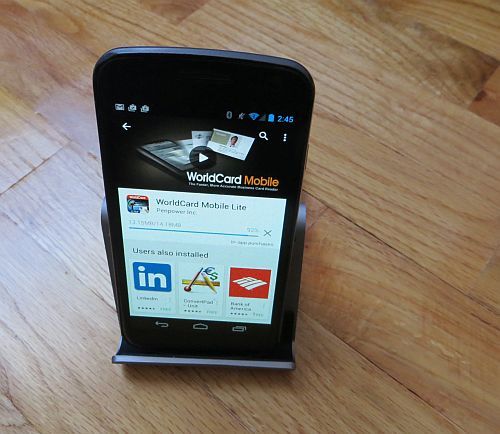
The WorldCard Mobile Phone Kit acts a simple stand, then you can pull up the back end of the stand and hold business cards.  After this you simply download the app and launch your Smartphone camera to act as a scanner that scans your business cards.  There is a lite and paid version and your kit includes an activation code.  You can use the device with either Android or iOS devices.


The WorldCard Mobile Phone Kit is perfect for capturing a large amount of business cards.  You can also return the business card so they can reuse the business card to someone that would needs it.  The stand is made of aluminum alloy and feels like it will last the test of time.  The WorldCard Mobile Phone Kit is a must for any businessman that needs to organize his/her business contacts on the fly. 

9.5 Out of 10

Buy it now HERE

Thursday, April 03, 2014

Case Logic Checkpoint Friendly Laptop Backpack Review

I travel a lot during the year but hate going through airport security.  It is just a hassle to take your gear with you when traveling.  Case Logic makes the trip a little easier with the Case Logic Checkpoint Friendly Laptop Backpack.

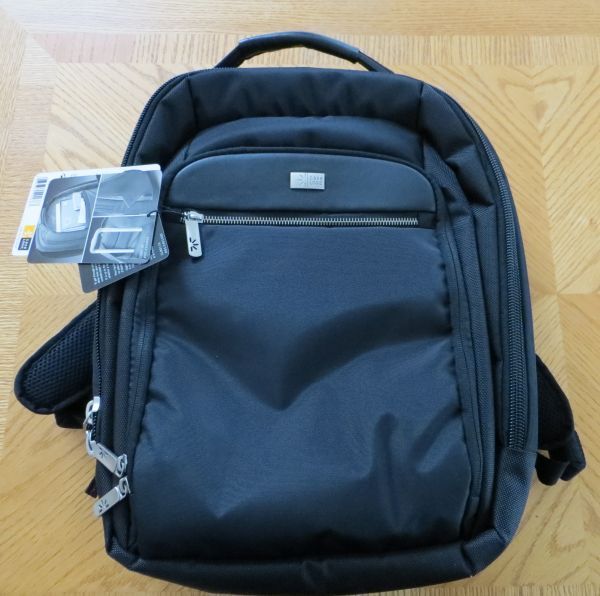
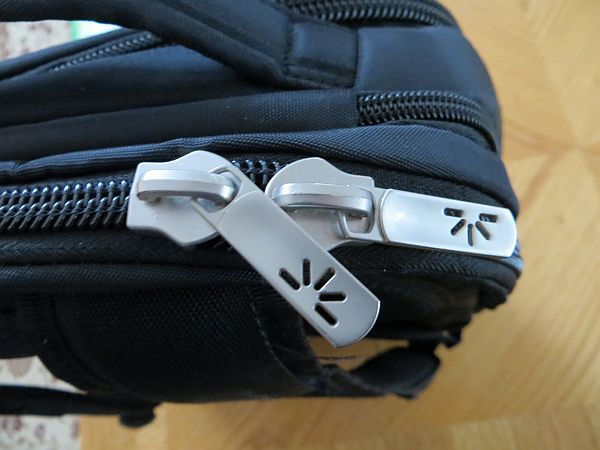
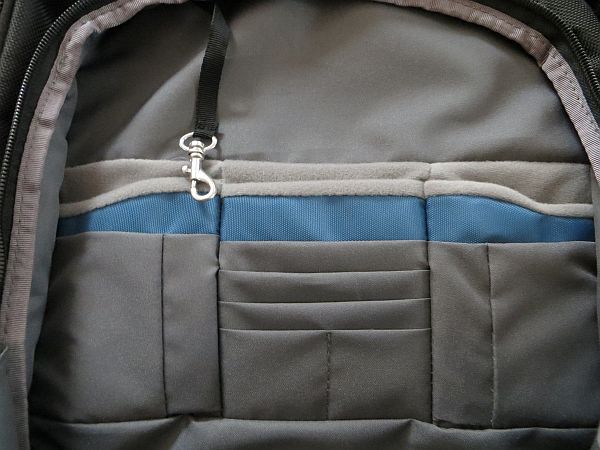
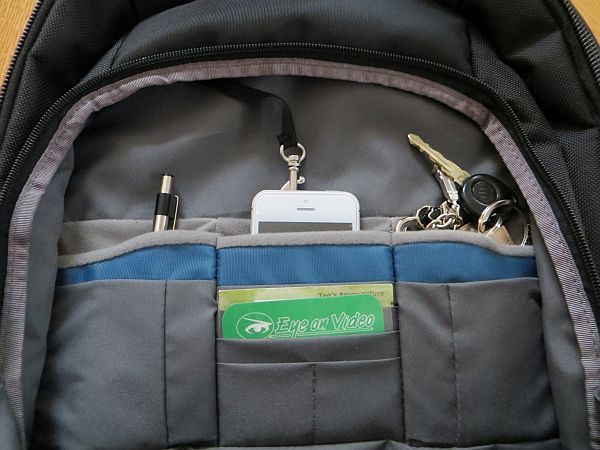
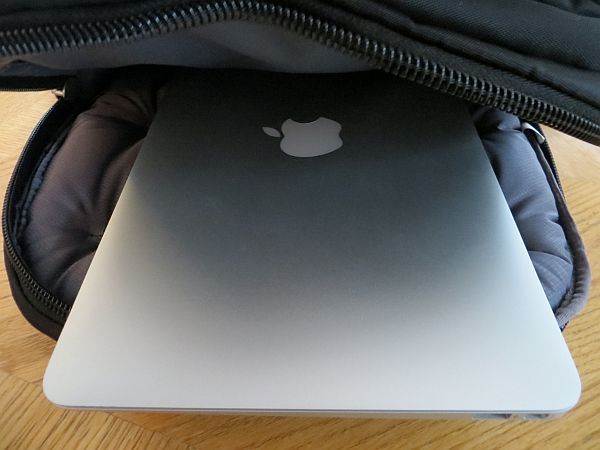
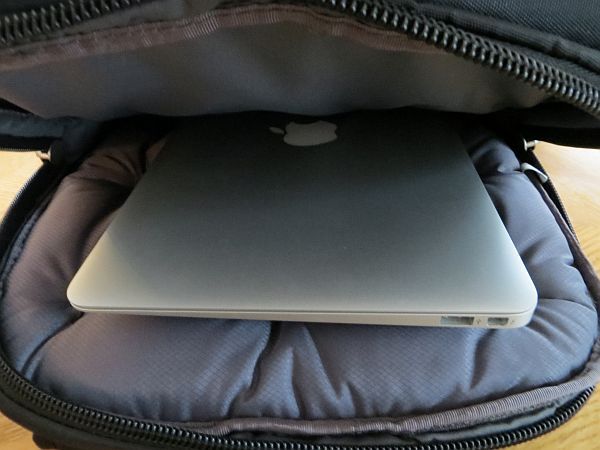
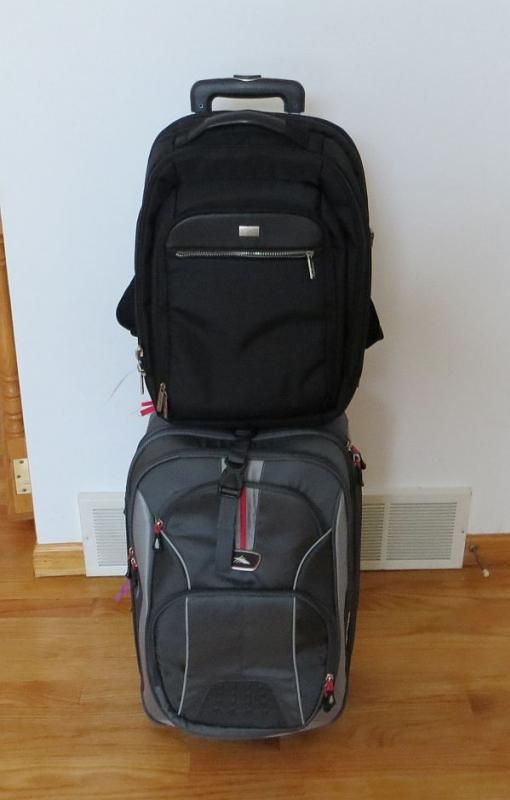
The executive level laptop bag is perfect for the business man or women.   The backpack can fit either a 15" or 16" laptop.  The backpack can lay flat which allows the laptop to stay in the backpack through security.  The luggage strap can hook up to your luggage bag for easy carry.  The laptop is mid size and can fit your laptop, accessories, phone, and other gear very easily.


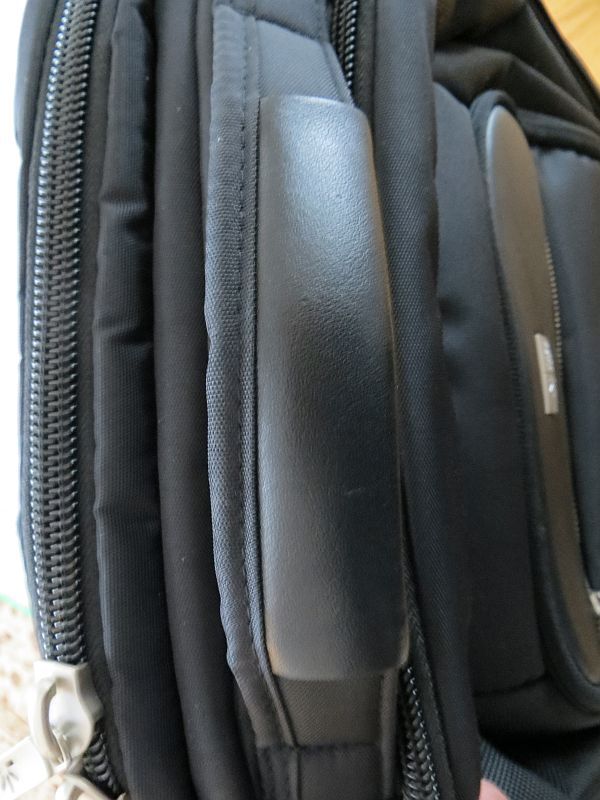
I have reviewed a lot of backpacks but this one by Case Logic is the one to purchase especially for travelers.  At $99 it's not the cheapest backpack but one that will last you years.  I have taken this on two trips so far (one to Las Vegas during Christmas and another to New York to visit my brother).  The laptop bag has held up well to the travel that I have used it and continues to be used everyday with little to no wear. 


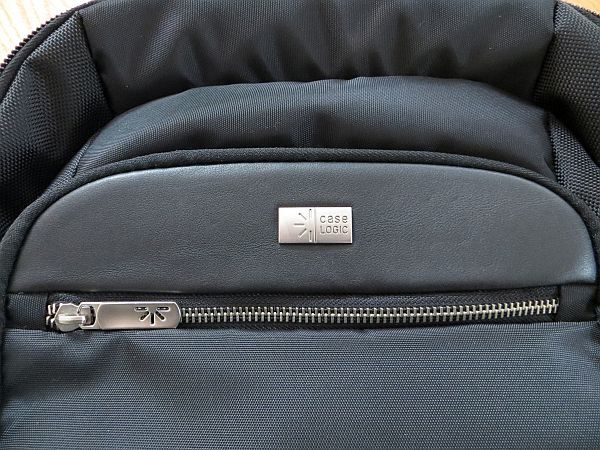
Case Logic has made a bag that is perfect for a young professional who no longer wants to look like a college student wearing a backpack.  The backpack has a nice black simple styling that is perfect for business travelers.  If your looking for a great backpack then look no further than the Case Logic Checkpoint Friendly Laptop Backpack.


9.5 Out of 10

Buy it now HERE


Disclosure:  Review unit

Wednesday, October 17, 2012

Apple Wireless Keyboard MC184LL/B [NEWEST VERSION] Review


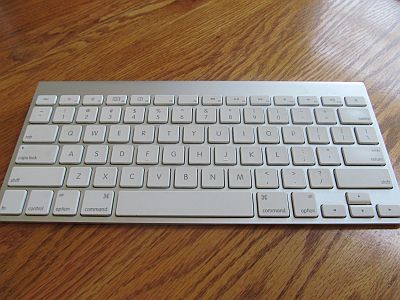
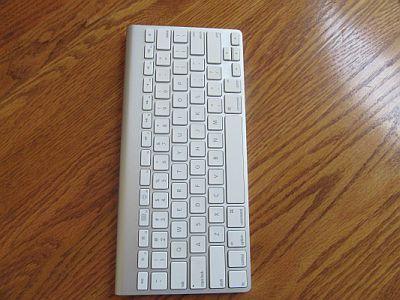
I purchased a Mac Mini and was looking for a small compact Bluetooth keyboard.  I looked at alternatives but ending up getting the Apple Wireless Keyboard.  The Apple Wireless Keyboard can be used with Mac, PC, iPads, iPhones and any other device that supports Bluetooth.


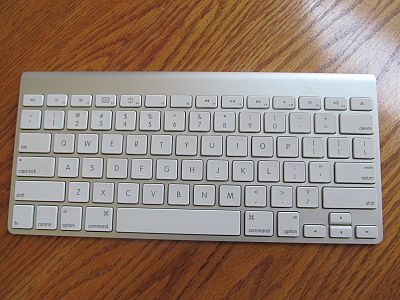
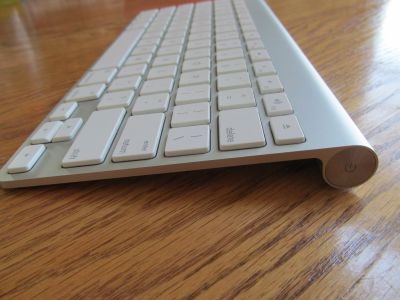
The Apple Wireless Keyboard is thin, light, and made of aluminum.  The Bluetooth keyboard pairs well with almost anything I threw at it.  The wireless keyboard allows me to roam the room.  The keyboard has a solid feel it to it and the keystrokes are silent.  The keyboard powers down when not in use and powers up when you start typing.  The batteries last a long time using rechargeable AA batteries.


The Wireless Keyboard feels like typing on a laptop keyboard.  It would be similar feel to the Macbook chicklet keyboard.  I had no problem on typing on the keyboard and pairing it with my Mac Mini and new Ipad.  The Keyboard uses only two AA batteries which I recommend rechargeable ones.


Although the price of the Apple Wireless Keyboard is a bit more expensive I would not hesitant to get this wonderful keyboard.  It is a great keyboard to use with the Mac Mini as I type on my couch and view movies on my HDTV.

9.8 Out of 10

Buy it now here
Apple Wireless Keyboard


Wednesday, October 03, 2012

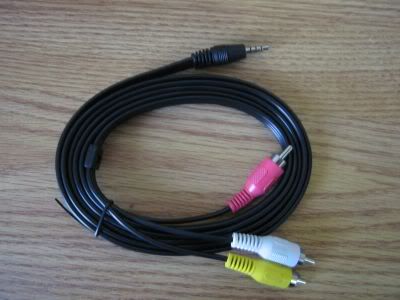
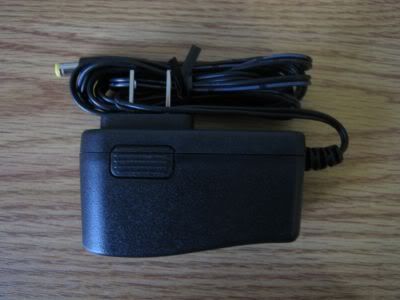
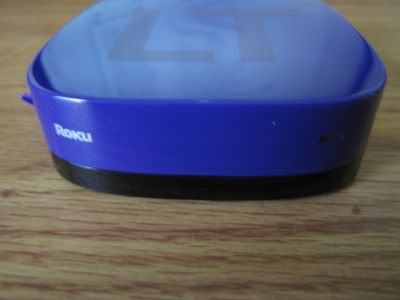
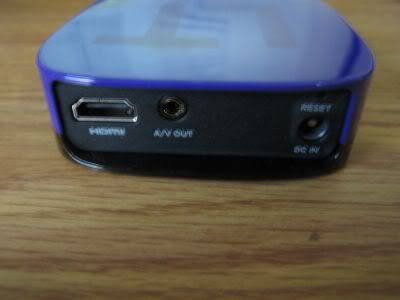
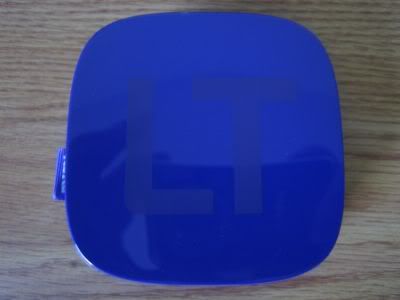
Roku LT Streaming Player Review


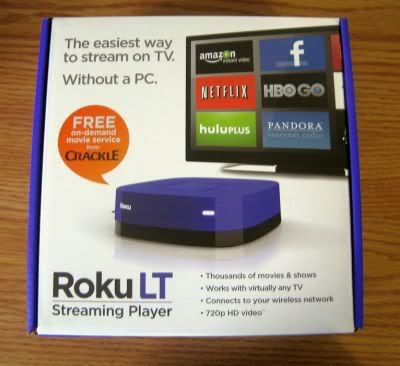
I believe that streaming is the future of how we watch movies and TV shows. Streaming services like Amazon Prime, Netflix, and Hulu Plus are becoming more and more popular. Roku has taken this to the next level by offering a streaming box to watch all of your streaming videos into one place.


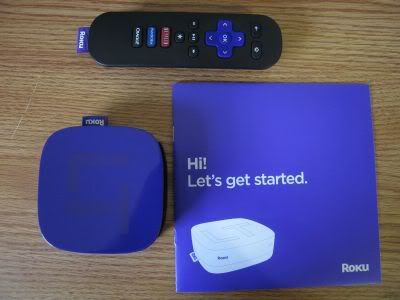
I chose the cheapest box that Roku sells which is the LT model. The LT has the same channel selection of the other models but does not have games, Bluetooth, and limited to 720P video. This really did not bother me as the $50 price was very


Now lets get to to the setup. The first thing Roku does is connect to your WIFI router. I simply enter my password and then connect the Roku. It then checks for firmware updates which it did found one. It updated my Roku box and rebooted. Next to activate the box you must follow the link on the screen and enter a code. This is when you signup for a Roku account. Roku requires either a credit card or Paypal attach to your account during signup. You can remove the payment form after you signup if you do not plan on buying premium channels and only will use the free channels.

Now you can add or remove channels by going to the channel store. I chose to add a bunch of channels like Crackle, Popcornflix, Netflix, Amazon Instant Video, Crunchyroll, Dramafever, and more. The amount of channels is really vast and you can pick and choose what you want. The video stream is really superb even at standard definition. The stream looks very good with no stutter or lag which I am impressed by.


Overall I think the Roku LT is a great value and if don't have Cable this would be an awesome alternative. The amount of free channels is very satisfying but of course the paid channels like Hulu Plus and Netflix are the best. Roku really keeps me entertained the whole day that I don't even watch Cable no more.


9.5 Out of 10

Buy it now here

Roku LT Streaming Player


Disclosure: Purchase on my own, affiliate link

Thursday, May 10, 2012

Dual Painted Tunes Headphone for iPod, iPad, Tablet, HF200B (Blue) Review

http://www.blueskyfun.com/headphones.html
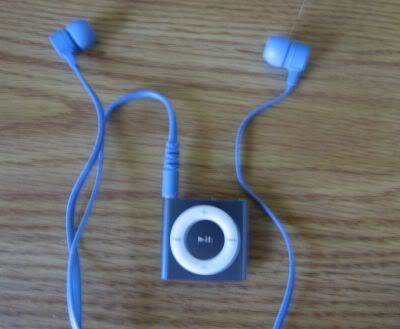
Everywhere I go I see those white Apple earbuds and think to myself why not get something better. The free earbuds are okay from Apple but you can do so much better for a couple of extra bucks. The Painted Tunes Headphones are a pair of earbuds that cost less than $20 yet provide a stylish look and great sound.


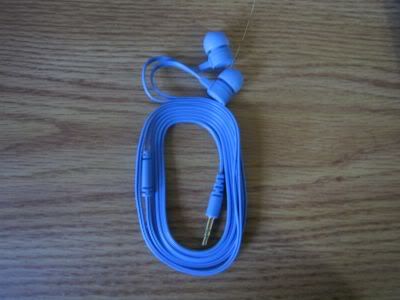
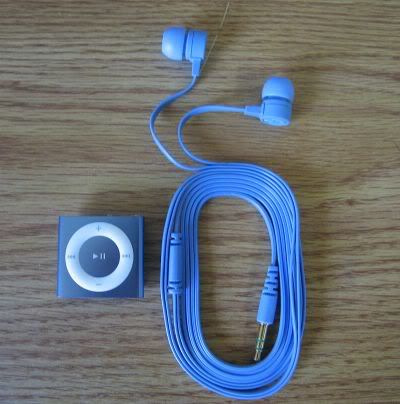
Painted Tunes headphones start out with 5 amazing colors to choose from (Black, Blue, Green, Red and White. The colors look like they were painted on with a matte flat finish. The headphones come in a plastic paint tube carrying case. The ones I chose were the Sky Blue headphones that look great with my blue Apple iPod Shuffle. The tangle free flat soft wires prevent the cord from bunching up like the Apple earbuds do. The Painted Tunes comes with two different ear tip pieces for the perfect fit into your ear.


When I first received the Painted Tunes I compared them to the Apple Earbuds. The Painted Tunes came on top with better clear sound and a good range of bass. In addition the passive noise cancellation blocks out most outside noise.


At the price of just $20 the Dual Painted Tunes Headphones will be a very popular choice for those on a budget. The sound quality is pretty impressive and they look like much more expensive headphones. Overall these are well worth the price and beat the paints off of stock Apple earbuds.

9.5 Out of 10

Buy it now here

from Amazon
Dual Painted Tunes Headphone for iPod, iPad, Tablet, HF200B (Blue)

or Blue Sky Fun HERE


Monday, December 12, 2011

ExoPC Slate Windows 7 Tablet Review


ExoPC is a Windows 7 Tablet that you compared to a Netbook with the built in Keyboard. Microsoft has not done a lot of advertising for Windows 7 Tablets so a lot of consumer s doesn’t know they even exist. On the other hand when Windows 8 launches then you will see a push by MS to sell Tablets featuring their latest OS. ExoPC in my opinion is the future but in the present. I also thought the OQO 02 was ahead of it's time but that company folded.


ExoPC features an 11.6" capacitive multi-Touch display with 1.66 GHz Atom processor, 2GB of Ram, and either 32 or 64GB of SSD. When released in 2010 the ExoPC had excellent specs but in present has been surpassed by Skytex S-Series Dual Core Atom and Samsung Slate 7 which features an i5 processor. Still the specs are more than enough to run Windows 8 Developers Edition.


ExoPC runs your standard Windows 7 OS where you can do everything your laptop does except for high end gaming. The ExoUI is a custom UI launcher that can run apps for Windows 7. ExoPC has its own app store but the amount of apps is a bit lacking.


Overall the ExoPC is the best value Windows 7 Tablet in the market today. All the other Tablets can cost you up to 1,000 and more. When Windows 8 for Tablets launch the ExoPC will still be one of the best choices for most as ARM Windows 8 is more limited than the x86 ExoPC. If you’re looking for the future of computing today then go and check out the ExoPC today.

Positives
Cheap price for Windows 7 Tablet
Build quality and design
Runs almost everything that a Netbook does
ExoUI is unique

Negatives
Screen is glossy and shows smudges
Not quite powerful enough
Auto-Rotate is slow
Ambient light sensor not very good (disable it if possible)

8.5 Out of 10

Buy it now here
Exopc Slate


Disclosure: Purchased on my own, affiliate link